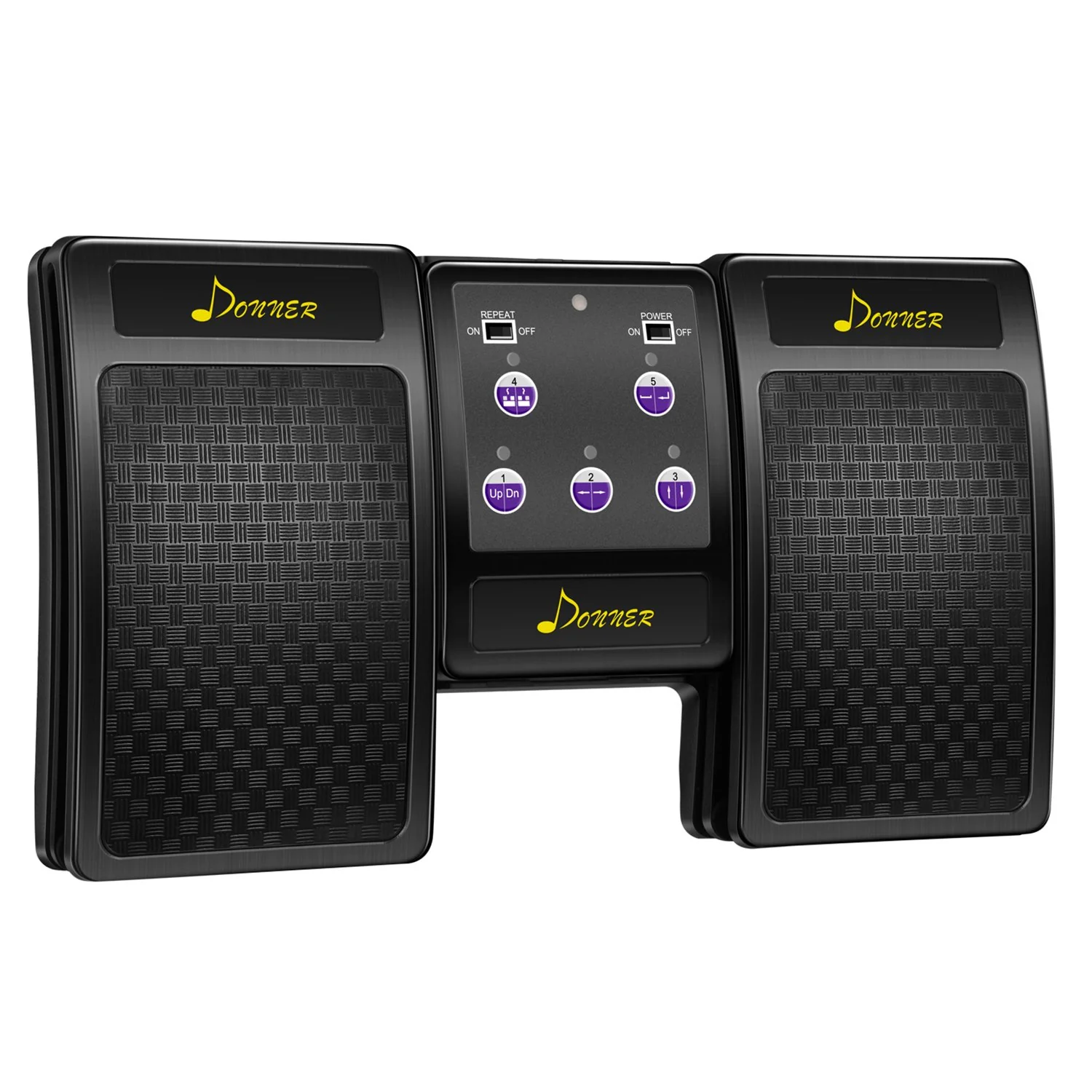
Donner DBM-50 Bluetooth page turner Black


Battery Indicator
2 bars: 40–70%
1 bar: 10–40%
No indicator: Battery level ≤0–10%
Virtual Keyboard Mode
Dust-proof Design Through IP3X
Silent Pedal Mechanism


FAQ
1、Is it compatible with iPad and Android tablets?
Yes — it supports iOS (iPad / iPhone), Android tablets, Chrome, and document tools like Adobe Acrobat.
2、Does it work with sheet music apps like ForScore or OnSong?
Yes — it works with major music/score reader apps. Make sure the app’s settings support external Bluetooth pedals.
3、Is that the power switch at the bottom left of the screen? How do I turn it on?
Yes. Press and hold the power button for about 1.5 seconds to turn on the page turner. The LED indicator will light up when the device is active.
4、Why is the pedal not turning pages?
Please check that the pedal is paired with your device and that the correct mode is selected. The pedal emulates a Bluetooth keyboard — some software expects arrow keys, others use Page Up / Page Down. Try switching modes to see which key mapping your app requires.
5、How does sleep mode work on the page turner pedal?
The pedal enters sleep mode after 2 minutes of idle time when disconnected, or after 30 minutes when connected. Press any button to wake it up.
Original: $47.99
-70%$47.99
$14.40Product Information
Product Information
Shipping & Returns
Shipping & Returns
Description
Battery Indicator
2 bars: 40–70%
1 bar: 10–40%
No indicator: Battery level ≤0–10%
Virtual Keyboard Mode
Dust-proof Design Through IP3X
Silent Pedal Mechanism
FAQ
1、Is it compatible with iPad and Android tablets?
Yes — it supports iOS (iPad / iPhone), Android tablets, Chrome, and document tools like Adobe Acrobat.
2、Does it work with sheet music apps like ForScore or OnSong?
Yes — it works with major music/score reader apps. Make sure the app’s settings support external Bluetooth pedals.
3、Is that the power switch at the bottom left of the screen? How do I turn it on?
Yes. Press and hold the power button for about 1.5 seconds to turn on the page turner. The LED indicator will light up when the device is active.
4、Why is the pedal not turning pages?
Please check that the pedal is paired with your device and that the correct mode is selected. The pedal emulates a Bluetooth keyboard — some software expects arrow keys, others use Page Up / Page Down. Try switching modes to see which key mapping your app requires.
5、How does sleep mode work on the page turner pedal?
The pedal enters sleep mode after 2 minutes of idle time when disconnected, or after 30 minutes when connected. Press any button to wake it up.